In Falsus Guides
Every core guide in one place — sorted by what you need: getting started, cards & strategy, troubleshooting, plus calculators and the wiki.
In Falsus GlossaryGetting Started

In Falsus Tips: 10 Essentials to Master Before the Sep 9 Launch
In Falsus tips for beginners — 10 practical essentials on keybinds, FIELD cursor control, Resonance bursts, Clear Types, early Blueprint strategy and difficulty progression from the Steam demo.
 In Falsus Tips
In Falsus Demo Guide: Complete Walkthrough (2026)
Everything in the free In Falsus demo on Steam — setup, keybinds, difficulty selection, your first Encounter, and how the card integration loop works.
In Falsus Tips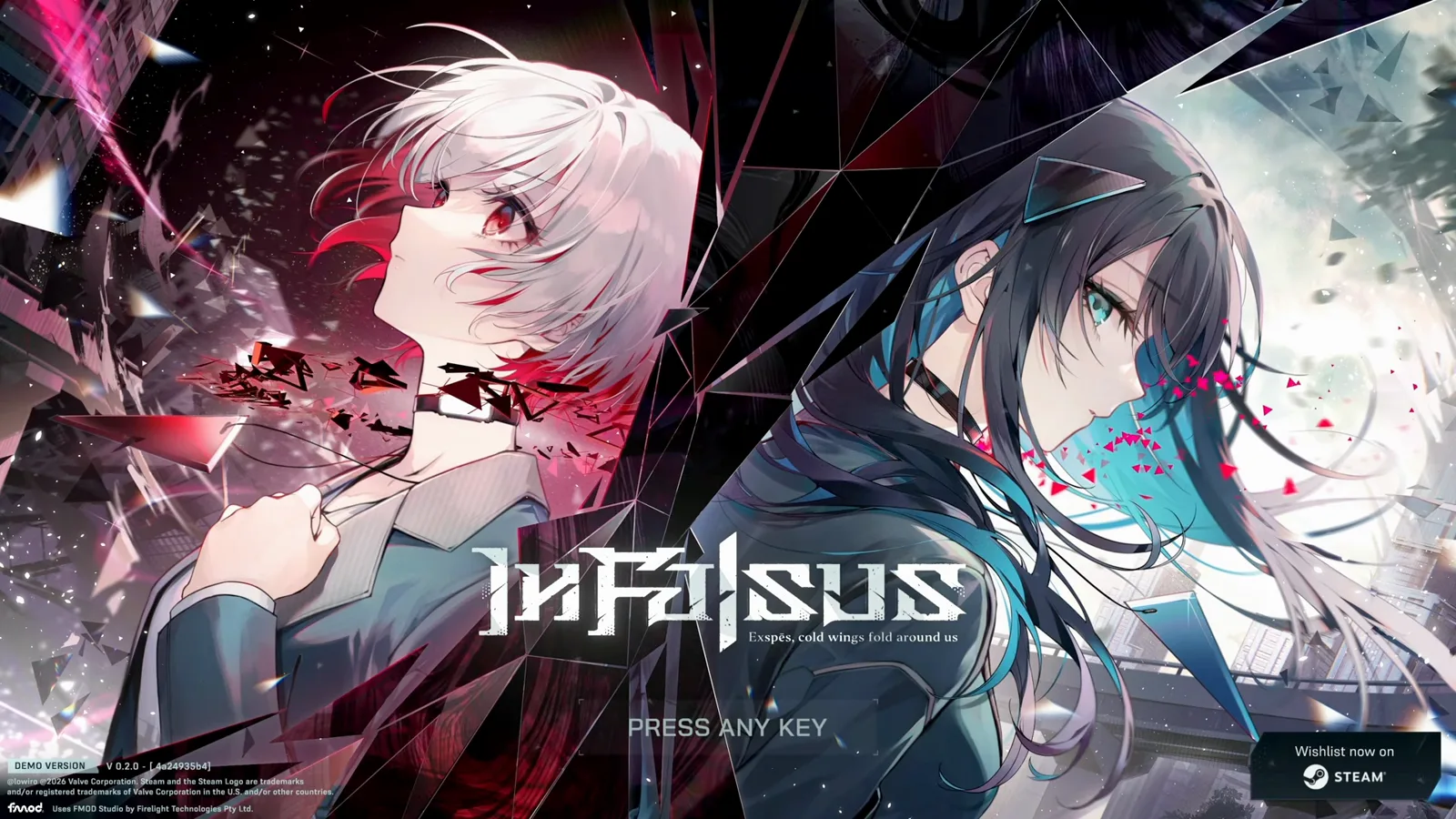
In Falsus Demo Walkthrough & Tutorial: Step-by-Step Guide
A complete In Falsus tutorial and demo walkthrough with screenshots — download, title screen, every settings tab, the 13-step in-game tutorial, story scenes, your first Encounter, and card integration basics.
In Falsus Tips
In Falsus Rhythm Tips for Beginners: Timing, Judgments & Accuracy
In Falsus rhythm tips for beginners — how EXACT / NEAR / BREAK judgments work, timing calibration, difficulty progression from MIN to FBD, and practice routines that actually raise accuracy.
In Falsus TipsCards & Strategy

In Falsus Cards Explained: Iota, Blueprints & Penalties
The In Falsus card integration system explained — Iota colors and shapes, Blueprint hex placement, the color advantage cycle, Traits, and the penalty math.
In Falsus TipsIn Falsus Blueprint Guide: Penalties, Tolerance & Optimal Placement
Optimize your In Falsus Blueprint before integrating: penalty math (100% / 89% / 56% / 0%), Tolerance skills, zone filling, and when to accept one penalty. Free Iota solver linked.
In Falsus Tips
In Falsus Endings & Story Branches: What We Know (Pre-Release)
Everything known about In Falsus endings and story branches before the September 9, 2026 release — the five protagonists, the collar world, what the demo scenario reveals, and how branching is expected to work.
In Falsus Tips
In Falsus Tier List: Best Card Rankings (Demo Data + Launch Update)
In Falsus tier list with demo-era S/A/B/C card rankings — best cards in In Falsus ranked by effective stats, Tolerance, color coverage and Iota cost. Full roster ratings publish within 24 hours of the September 9, 2026 launch.
In Falsus TipsBest Cards in In Falsus: Demo Builds & Launch Ranking Method
In Falsus best cards guide: recommended loadouts, top picks by purpose (Encounters, color coverage, farming, beginners), demo-era observations, and a data-driven ranking framework — updated within 24 hours of launch.
In Falsus TipsTroubleshooting

In Falsus Black Screen Fix (Demo): Alt+Enter First, Then These 5 Steps
In Falsus demo won't launch or shows a black screen with music? Press Alt+Enter first — then work through GPU drivers, multi-monitor, Steam file verification and minimum specs in order.
In Falsus TipsIn Falsus Demo Won't Launch? Fixes Beyond the Black Screen
In Falsus demo won't start, crashes on launch, or hangs with no audio? Steps after Alt+Enter: verify Steam files, audio sample rate, GPU drivers, overlays, and Proton on Steam Deck.
In Falsus TipsIn Falsus No Sound / Audio Fix: Buffer Size, Sample Rates & Exclusive Mode Guide
Complete troubleshooting guide for In Falsus audio issues: fixing zero sound via Audio Buffer Size in Advanced Settings, resolving Windows 24-bit 48000Hz sample rate mismatches, and disabling exclusive mode conflicts.
In Falsus TipsIn Falsus Purple Screen Bug: Causes & Fixes
In Falsus shows a full purple/magenta window with sound still playing? The 'mystery purple screen' reported on Steam has no confirmed fix yet — here's what the reports say and every workaround worth trying, in order.
In Falsus Tips
In Falsus Keys Not Working? Input Fixes & Best Keybinds
In Falsus keys not registering — especially two or more at once? The usual cause is keyboard ghosting (rollover limits), not the game. Test it, disable SOCD/Snap Tap, rebind smartly, and fix IME and Steam Input conflicts.
In Falsus Tips
Does In Falsus Support a Controller? (Answer: No)
In Falsus has no controller support on Steam — no Xbox, PS, Switch or Steam Deck mapping. Keyboard + mouse only. Controls setup, Switch version status and comfortable keybind tips.
In Falsus TipsIn Falsus on Steam Deck: Proton Setup, Controls & What Works
Play the In Falsus demo on Steam Deck: GE-Proton 10–11, keyboard + touchpad for Field notes, gyro community layouts, no official controller support, and known video codec fixes.
In Falsus TipsIn Falsus Glossary
Core game terms with links to the underlying references. Those pages distinguish demo measurements, launch footage, and later patch evidence.
- Arc
A story progression grouping used by the song and encounter tables.
Arc reference- Dive
A scored chart run whose result card reports judgments, score, and MAX LINK.
Dive reference- Loadout
Up to five cards, one per Phase, selected before an Encounter. The same Blueprint cannot occupy two slots.
Loadout reference- Card
A card supplies Power, Defense, color, and Traits to an Encounter loadout; it does not change the rhythm score.
Card reference- Blueprint
A permanent template defining a card’s hex grid, color, and maximum base stats. Iota placement determines the finished stats.
Blueprint reference- Encounter
The card battle layered over a Dive. CONNECTED records the battle outcome; the rhythm score is calculated separately.
Encounter reference- Color advantage
Each color has advantage over one other color in a five-way cycle. The reference page explains the measured multiplier and its version limits.
Color advantage reference- PERFECT DIVE
An all-EXACT clear. In the linked v1.0.5 Monitoring recording, both EXACT rows cover all 1,359 notes, with NEAR 0 and BREAK 0. FULL LINK only requires zero BREAKs.
PERFECT DIVE reference
Tools & Resources
Interactive calculators and reference pages — plan Blueprints, simulate loadouts and browse the full wiki.
Blueprint / Iota Solver
Check penalties and Tolerance, and see your card's effective Power and Defense.
Open ToolLoadout Simulator
Test five-card loadouts against an Encounter color and find the best order.
Open ToolIota Farming Planner
Estimate how many Encounter clears your next card really costs.
Open ToolAudio Offset & Latency Calibrator
Interactive tap tempo & latency calibration tool to test audio sync and find the optimal in-game offset.
Open ToolScore & Theory Calculator
Calculate rhythm accuracy score (100M scale), EXACT (Shiny) / NEAR / BREAK breakdown, and theory score limits.
Open ToolRelease Countdown & Price Hub
Live countdown to the global release on September 9, 2026, multi-timezone unlock hours, and Steam regional pricing comparison.
Open ToolIn Falsus Wiki
Structured reference for songs, mechanics, Blueprints, characters and patch history.
Open