攻略 · 流程
Demo 流程, 逐屏讲解
这篇攻略跟随一次完整的 PC Demo 游玩,从标题画面一直讲到结算卡片,每个重要界面都配了截图。Demo 已随 2026-09-09 正式发售下架,本页作为界面与设置参考保留——用它查找某个设置或辨认见过的画面。
资料来源
- In Falsus - Full Demo Gameplay [PC] — justonegamr
- [In Falsus Demo] Tutorial | Albedo by void (Mournfinale) — :paradox
截图取自上方署名的实况与教程视频。菜单名称与数值按 Demo 版本原样呈现。
- 1
进入 Demo 标题画面
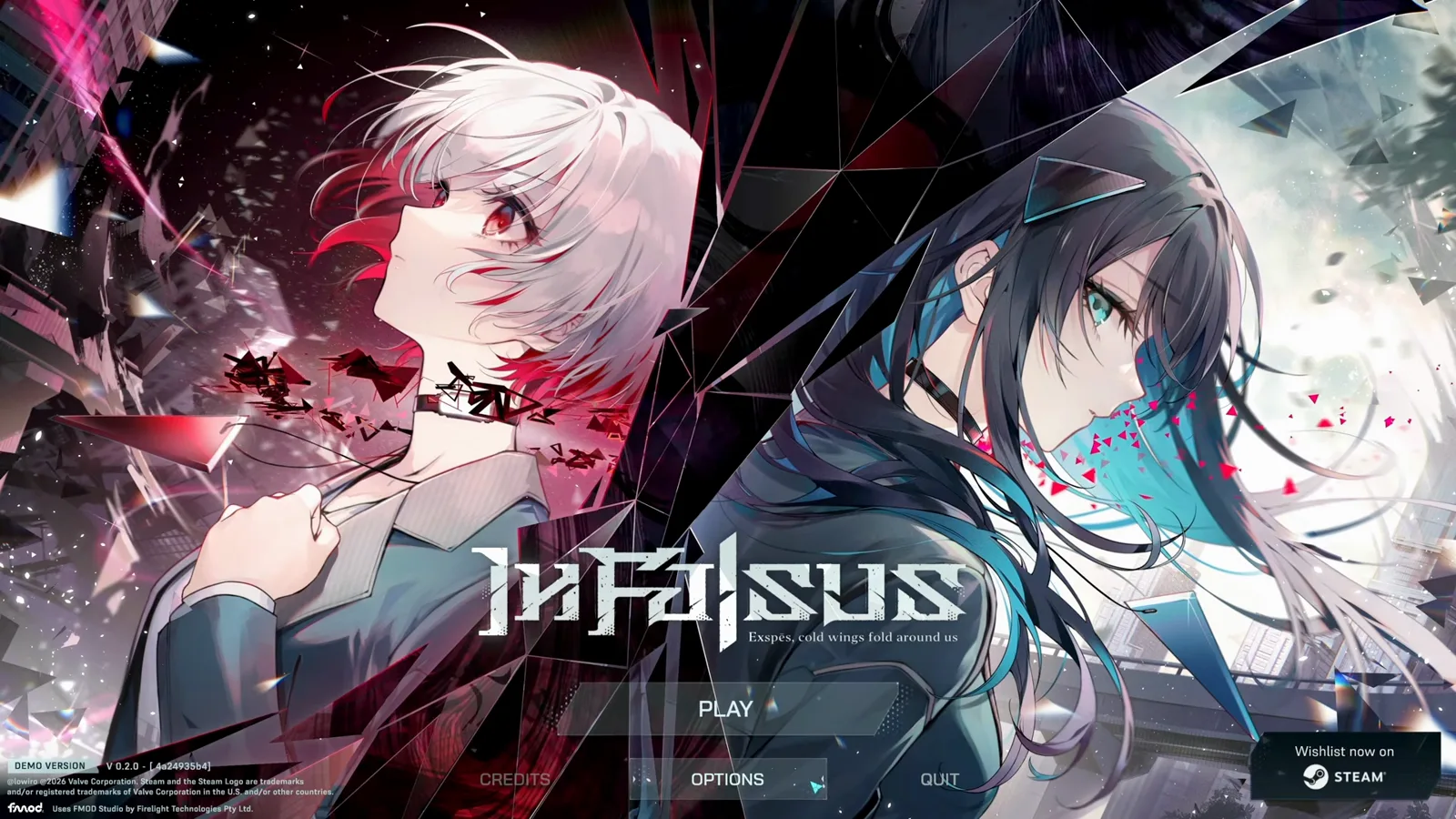
Demo 开场是两位女主角的主视觉图,配标语 "Exspes, cold wings fold around us"。按任意键后出现 PLAY、OPTIONS、CREDITS、QUIT 菜单,页面底部显示 Demo 版本号和 Steam 愿望单入口。
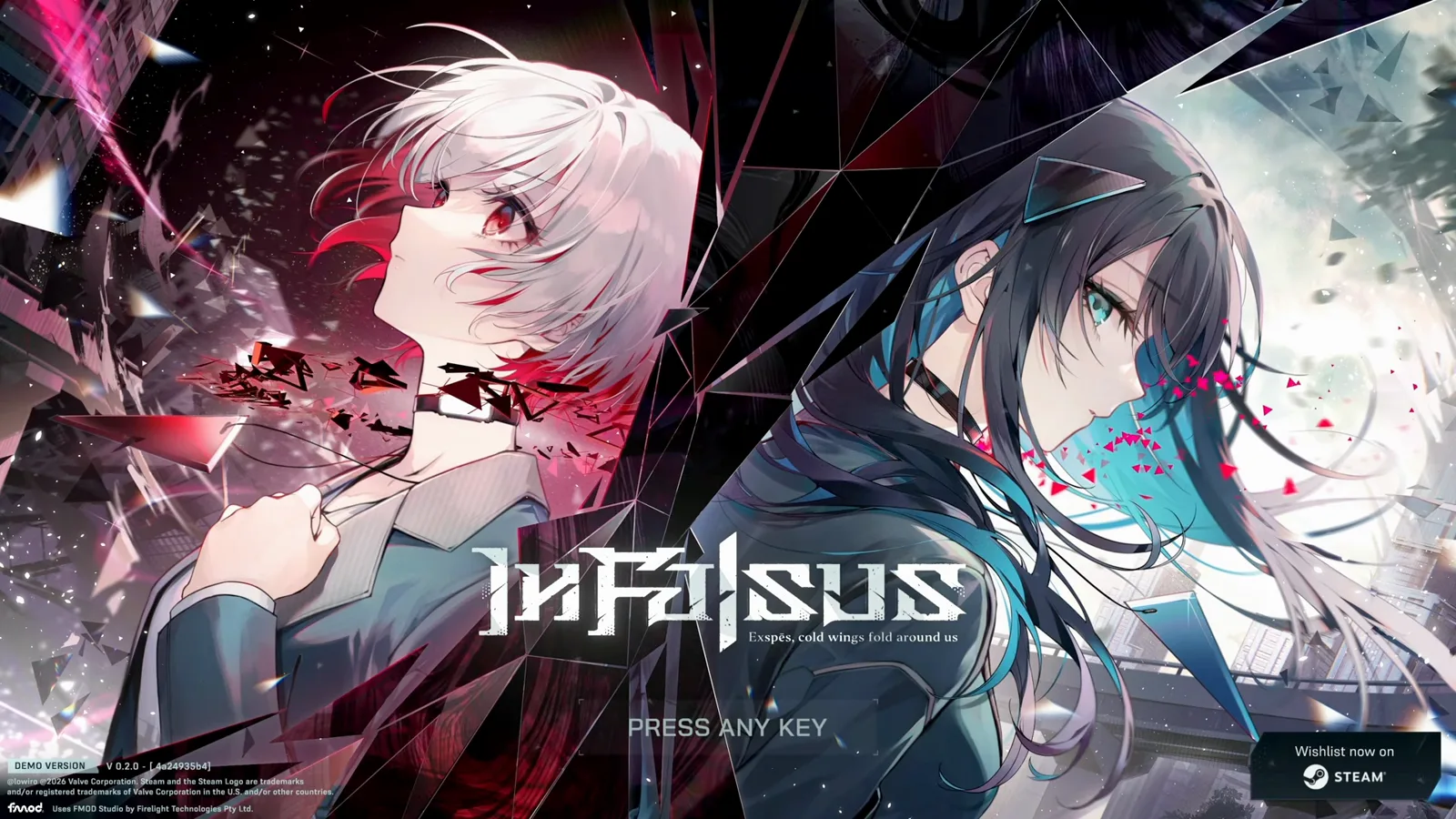
主菜单前的启动画面。查看原视频片段 - 2
先调 Track Speed 和 Audio Offset
打开 OPTIONS,QUICK SETTINGS 页签放着最影响节奏手感的两个选项:Track Speed(0.8–10.0,本次录制用的 2.00)决定音符下落速度;Audio Offset(−1000 到 1000 毫秒,推荐 0)用于判定偏移校准。游戏提示还写明:总是打晚就调高这个值。
决定手感的两个滑条。查看原视频片段 - 3
检查显示设置:分辨率、刷新率、VSync
DISPLAY 页签包含显示模式(全屏/窗口)、分辨率、刷新率、VSync 和语言。刷新率要和显示器匹配——144 Hz 的屏幕跑在低刷新率下,手感会明显不稳。
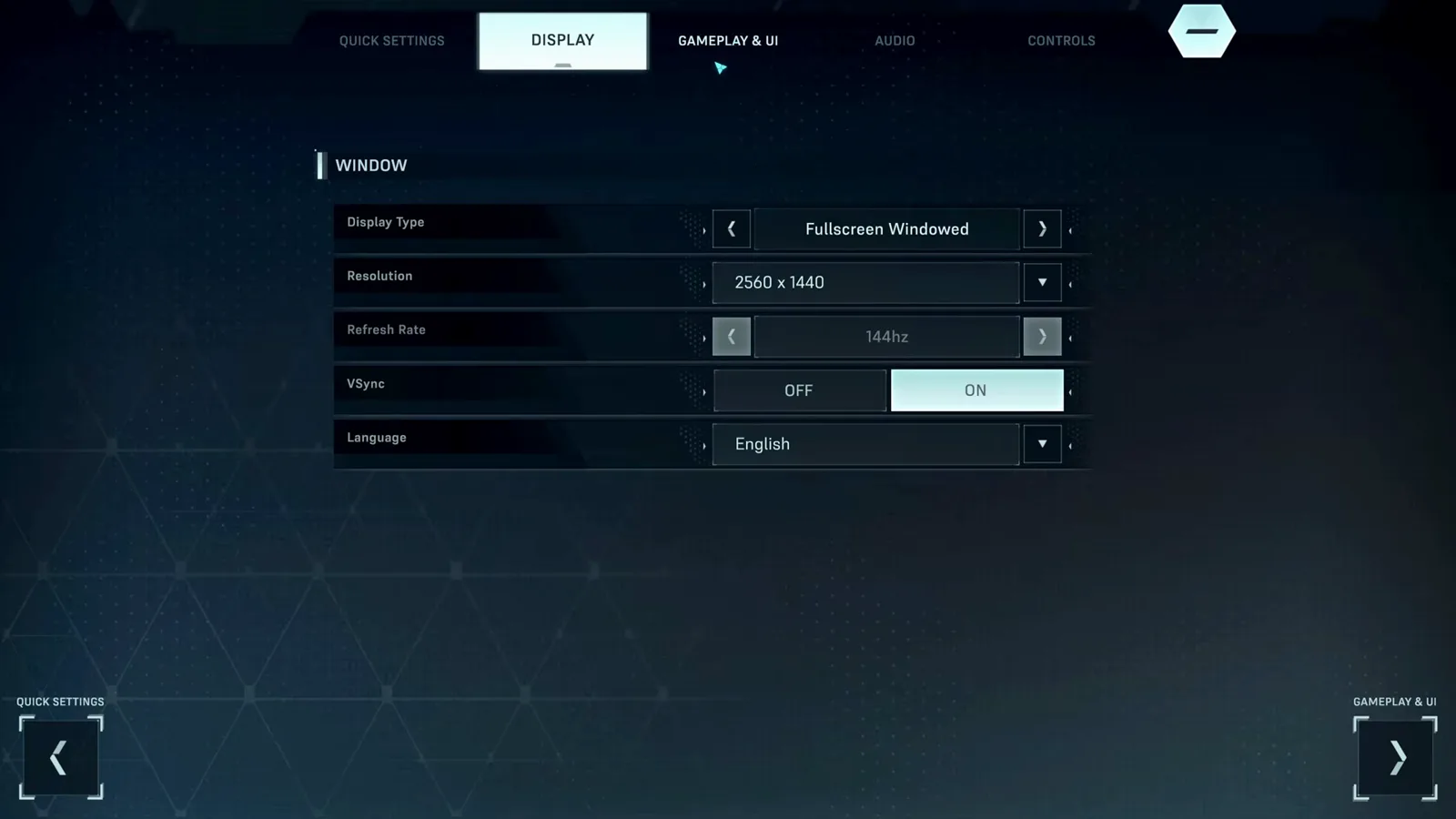
显示设置,含语言选择。查看原视频片段 - 4
在 Gameplay & UI 里调音符行为
GAMEPLAY & UI 集中了所有偏好开关:Flipped Gameplay、键位提示(Always/None)、判定显示位置、Early/Late 提示、伤害数字,以及剧情段落的文字速度。
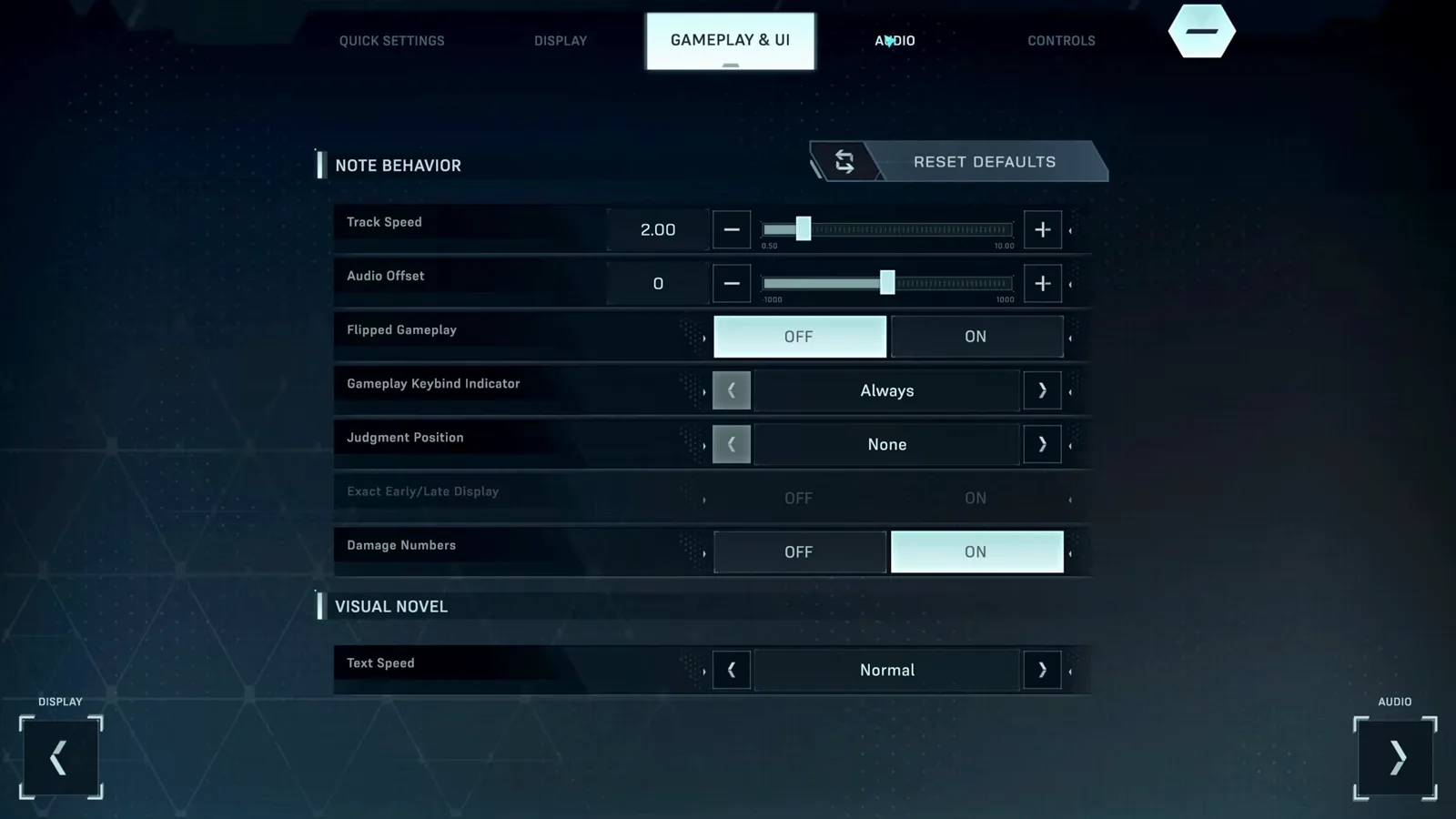
音符行为与视觉小说偏好。查看原视频片段 - 5
按音符类型分别调音量
AUDIO 页签不止一个主音量:BGM、Tap 音符、Hold 音符、Field 音符各有独立音量条,旁边是音频输出设备选择。如果音乐盖过了打击音,调高 Tap Notes 音量而不是主音量。
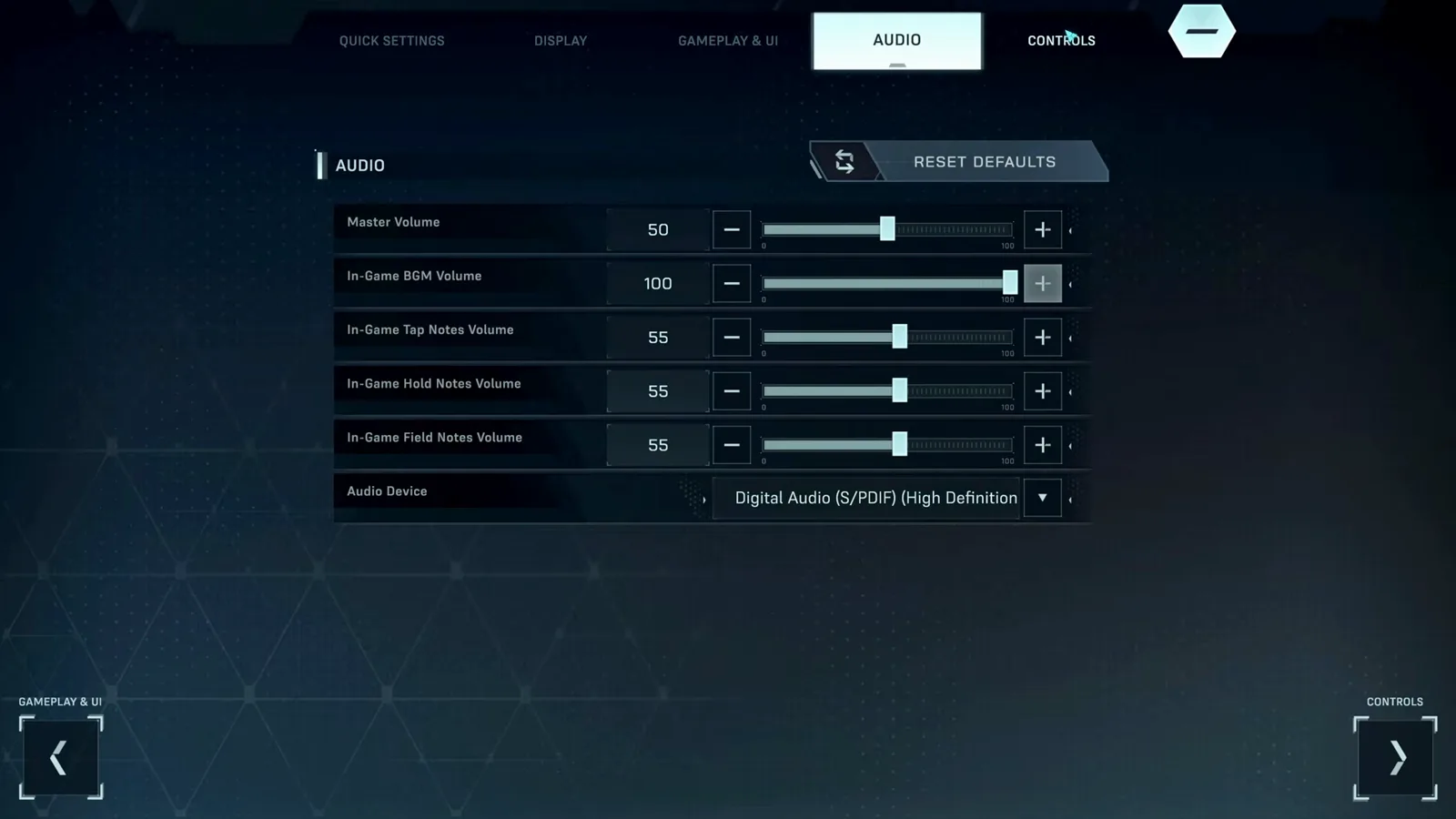
按音符类型区分的音量滑条。查看原视频片段 - 6
查看键位绑定与鼠标灵敏度
CONTROLS 页签展示 KEYBINDS 网格——左 Shift、A、S、D、F、Space——以迷你版游戏场地的形式呈现,还有控制上半屏光标的鼠标灵敏度(0.01–5.00)。点击按键即可重绑,RESET DEFAULTS 和 APPLY 管理改动。
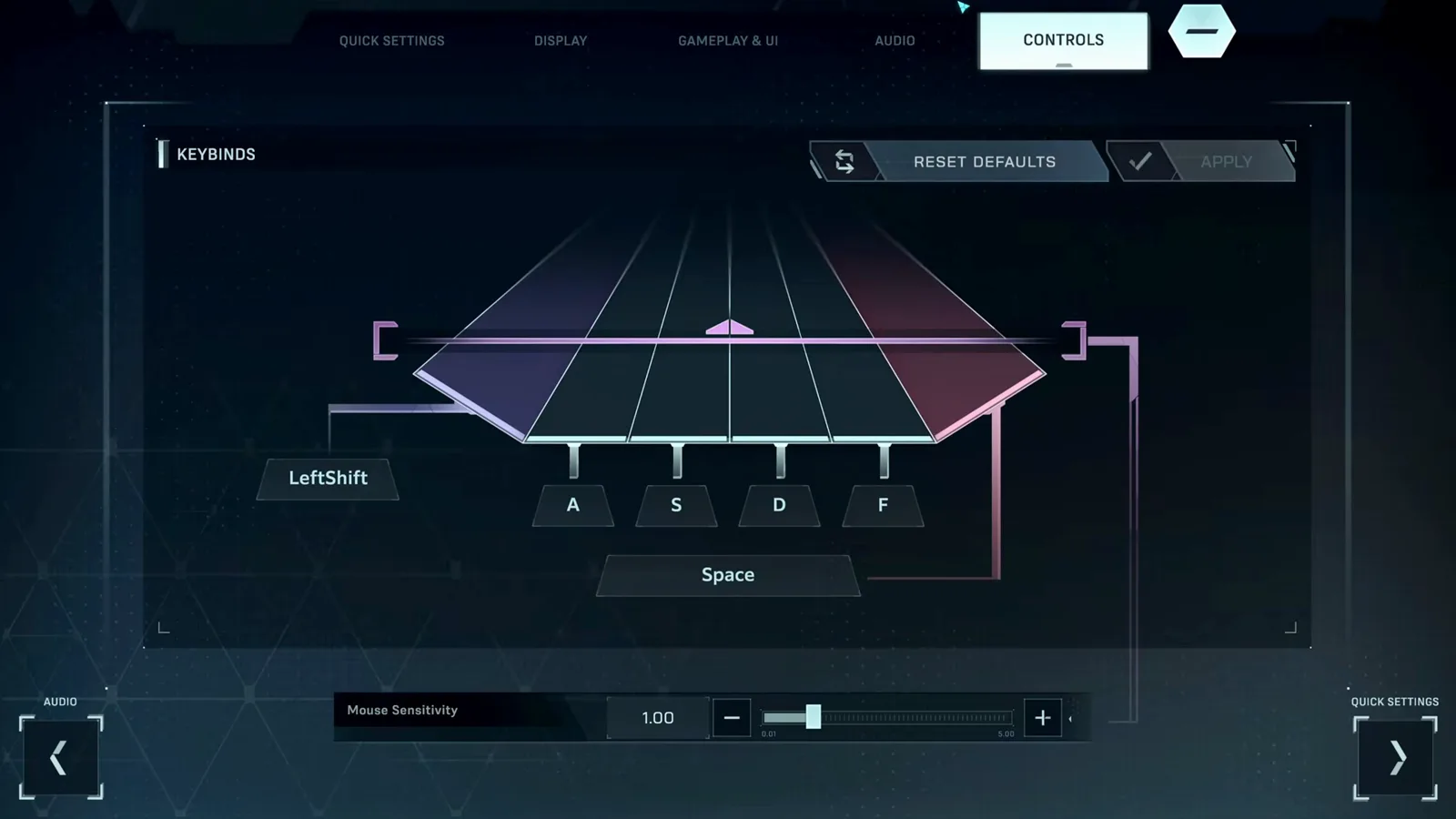
键位网格与游戏场地一一对应。查看原视频片段 - 7
把游戏内教程完整过一遍
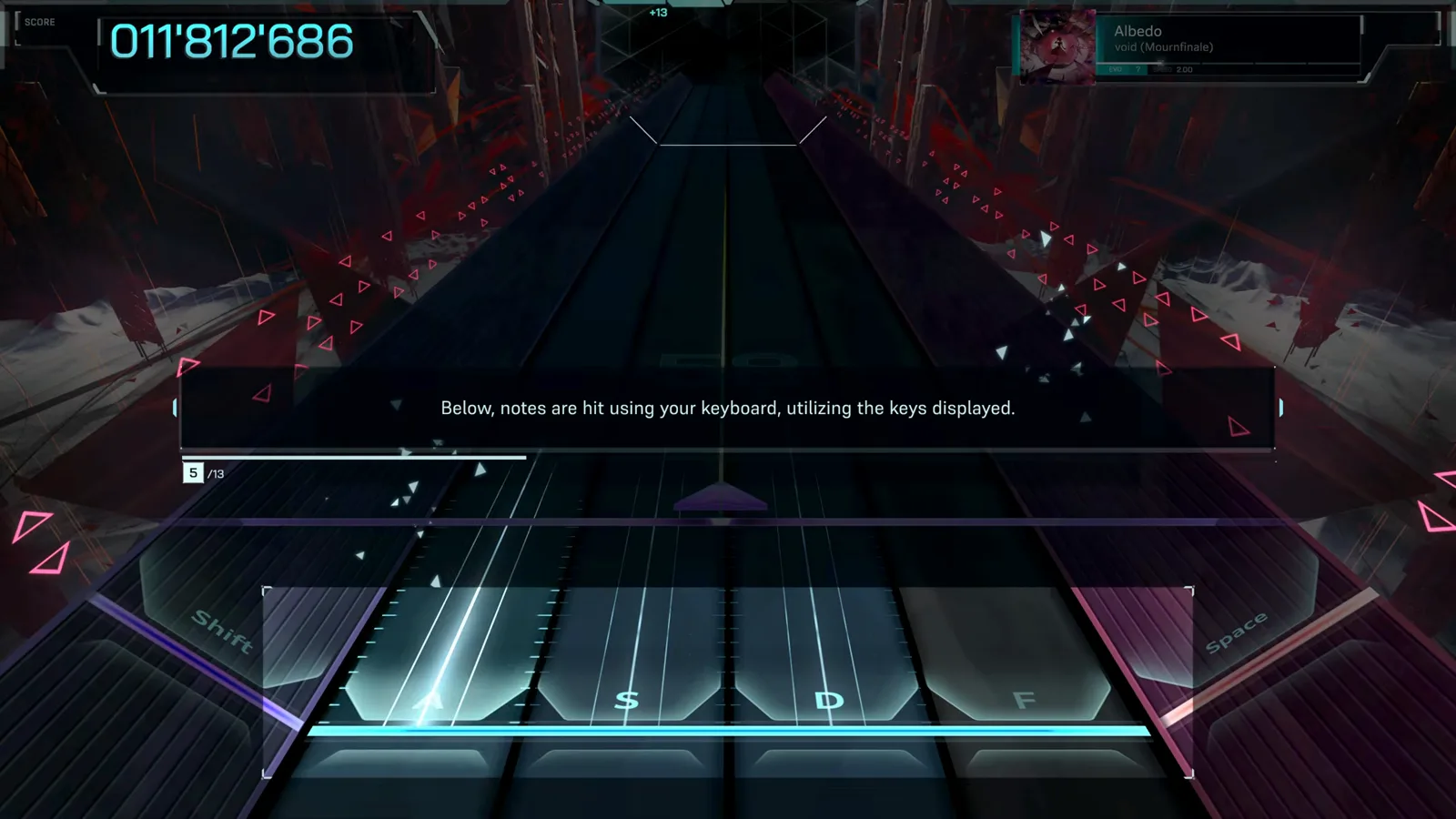
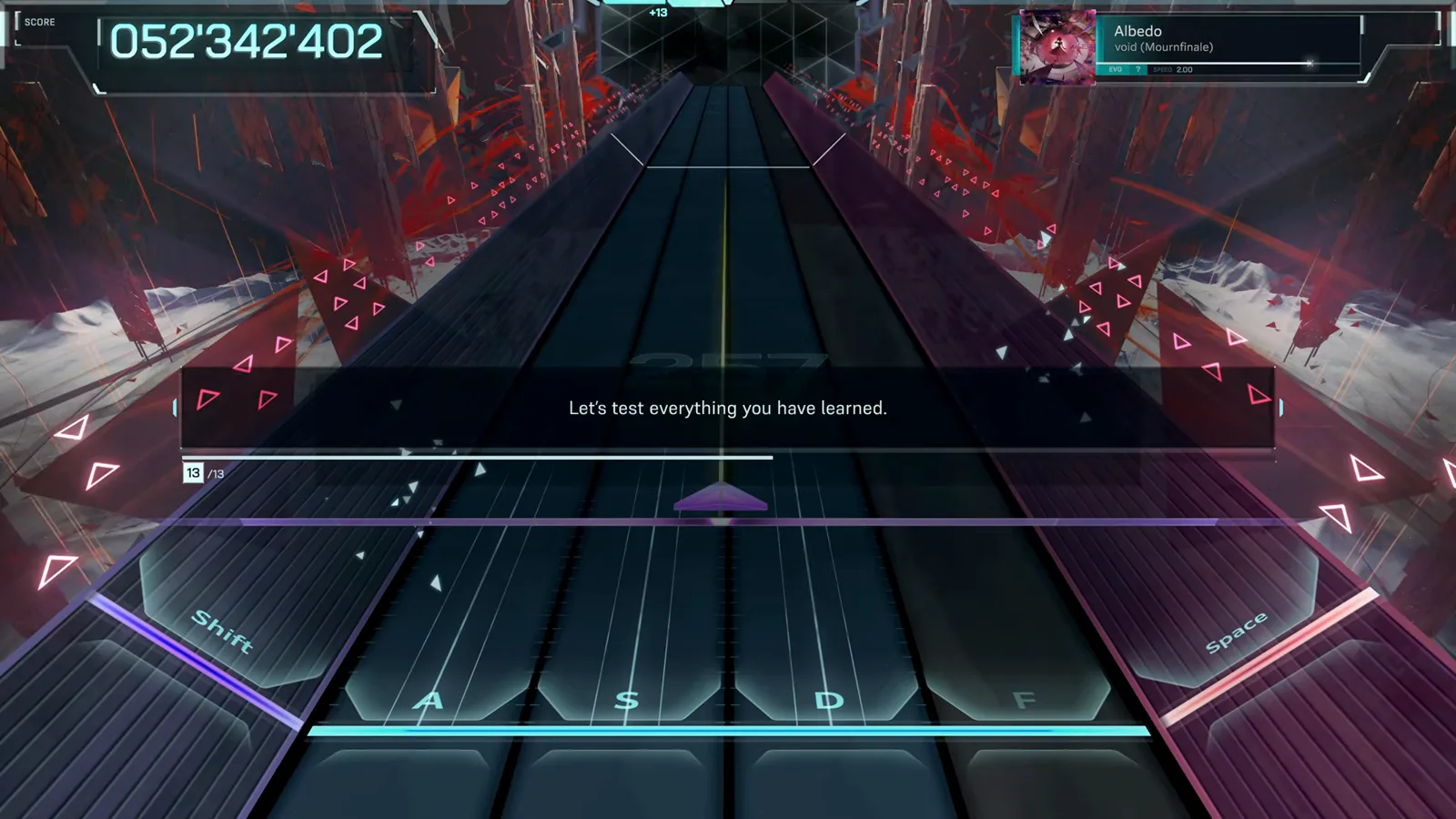
Demo 教程是在 Albedo(EVO)上进行的 13 步教学,先教上半屏光标和 Flick 音符,再教键盘的 Tap 与 Hold。之后随时可以在 Hub 里点 REPLAY TUTORIAL 重看。
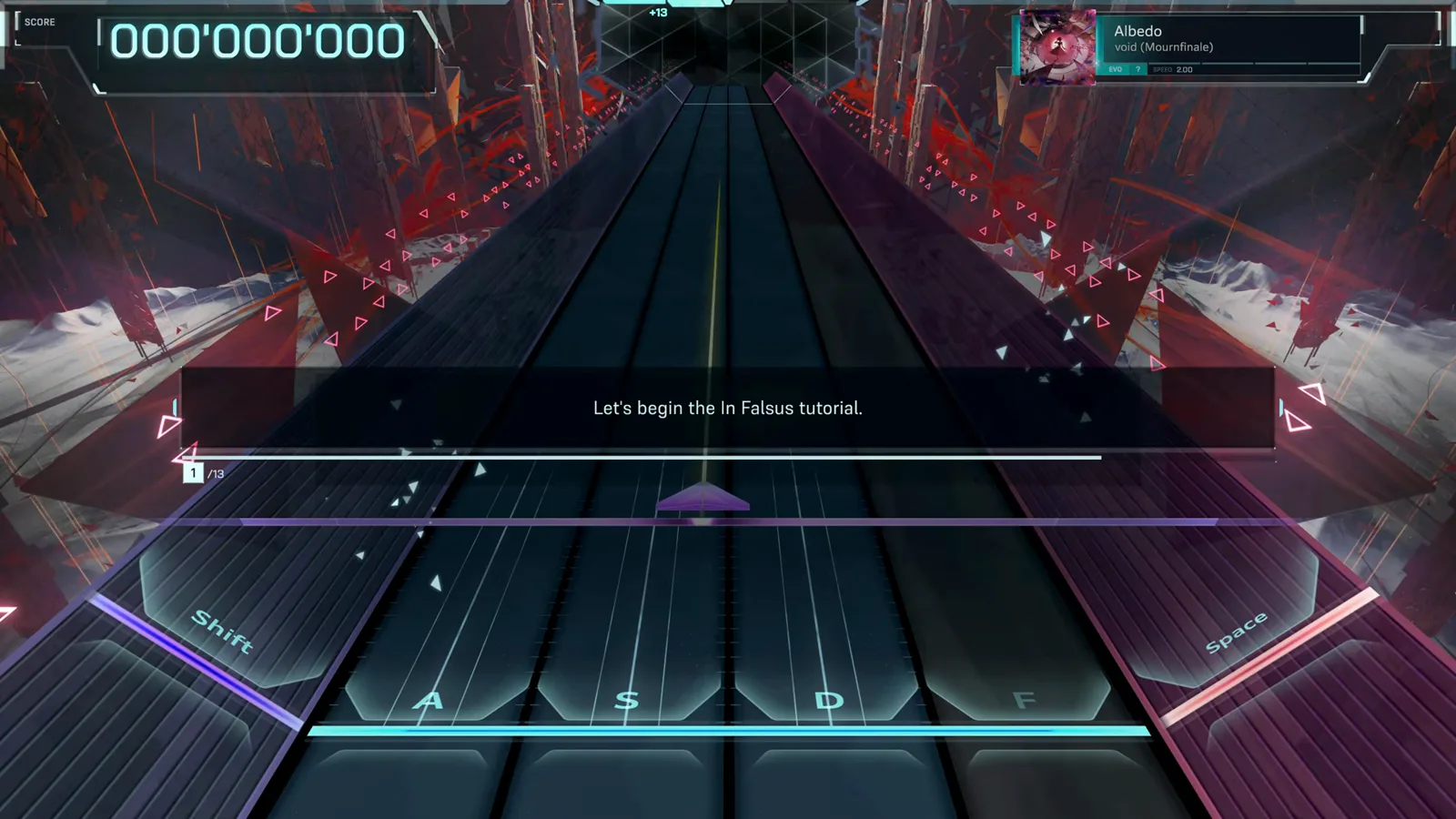
内置教程 13 步的第 1 步。查看原视频片段 - 8
- 9
- 10
- 11
- 12
你的第一首完整曲目
实际游玩时,音符轨道悬浮在不断变化的 3D 背景之上。HUD 布局:左上是分数,右上是曲名与难度,键位区两侧有 Shift/Space 侧轨指示灯。
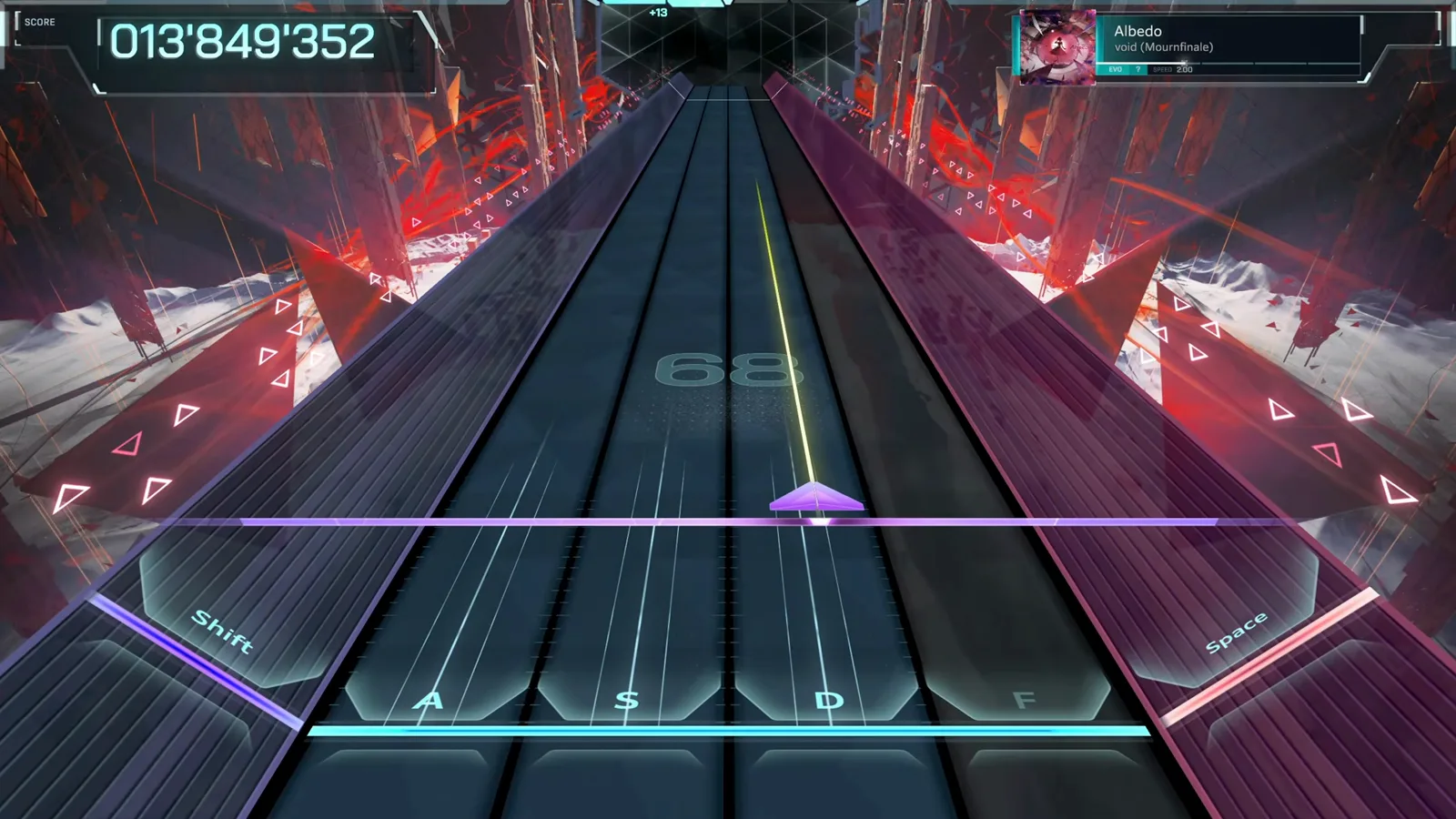
EVO 难度下的 Albedo。查看原视频片段 - 13
Hub:选择主题角色
Hub 是 Dive 之间的大本营。选择角色(Nia、Mei、Ayame、Iris、Story)会更换 Hub 的主题外观——游戏称之为 Hub 主题自定义;MUSIC PLAY 进入选曲,SCENARIO 可回放剧情。
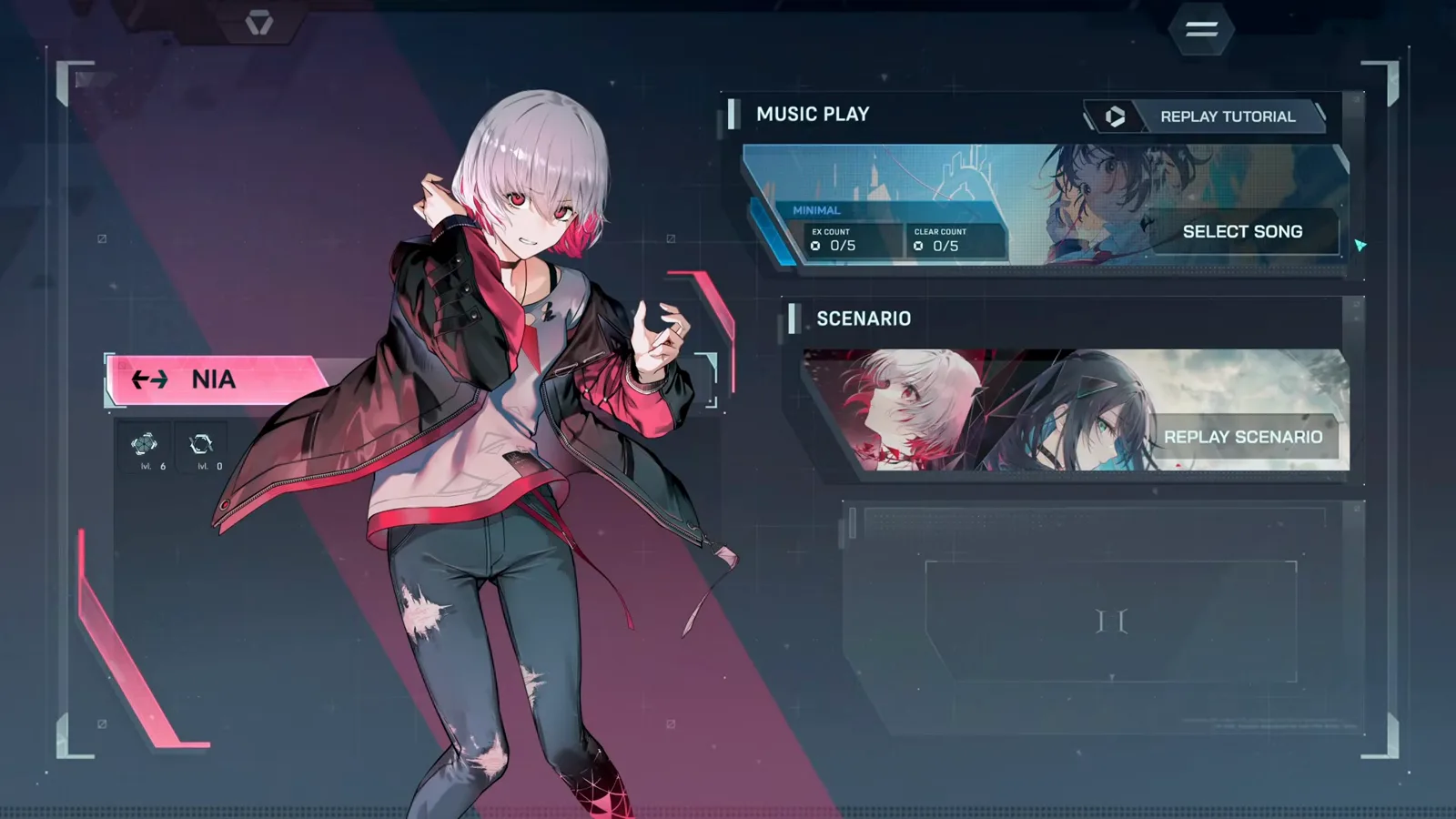
Nia 主题的 Hub 与 Music Play 菜单。查看原视频片段 - 14
学会看战斗中的 Encounter HUD
Dive 过程中侧栏显示已装备的卡牌,PHASE 计数、Encounter Score 与星级追踪进度。曲目按阶段划分,撑过每个阶段 Encounter 才会推进。
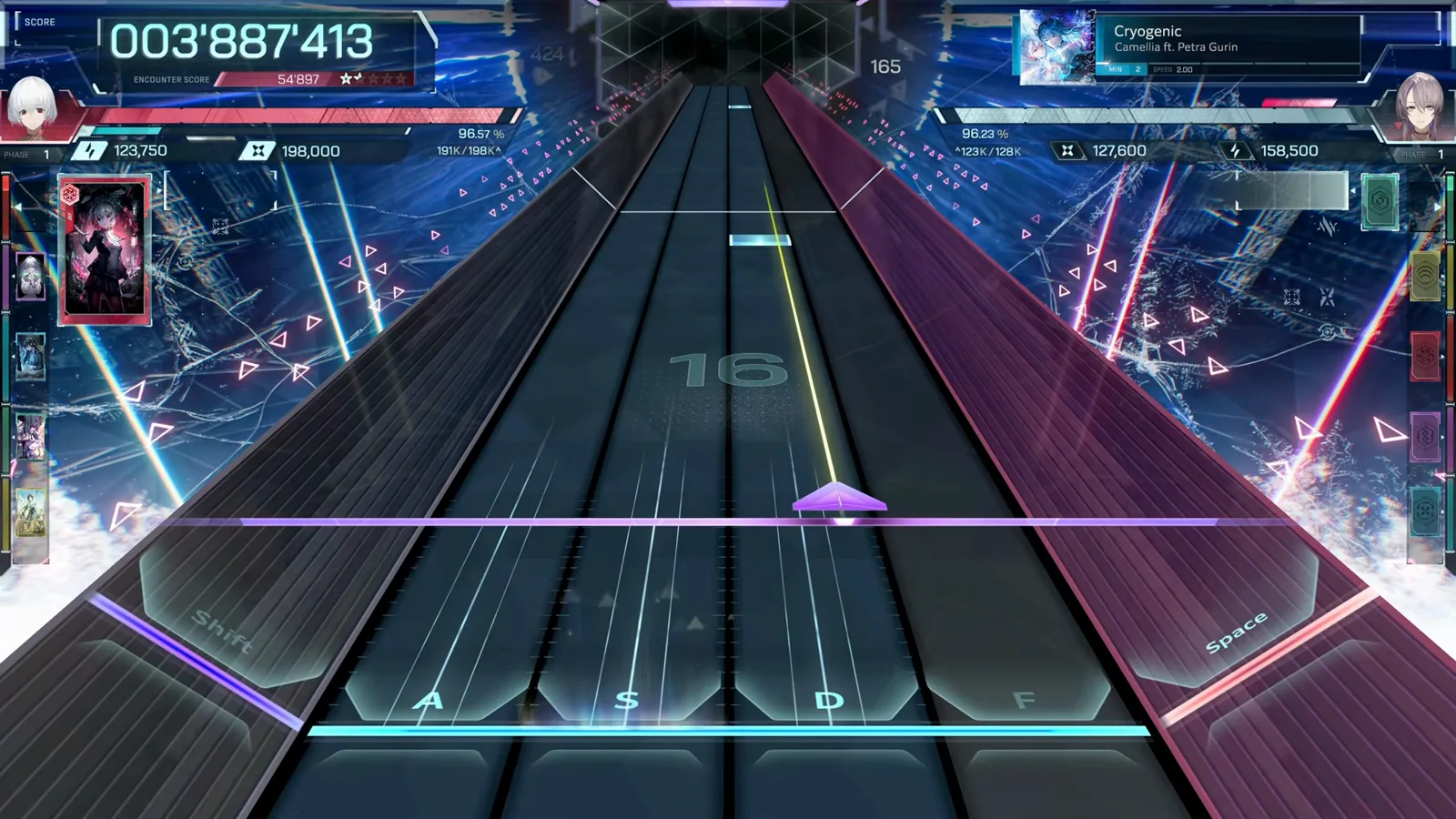
Cryogenic 第一阶段,左侧可见卡牌栏。查看原视频片段 - 15
完成 Dive
Miss HP 保持在 0 以上,Dive 就会以最后一个阶段的冲刺收尾。结算前,Encounter Score 与星级会定格在屏幕上方。
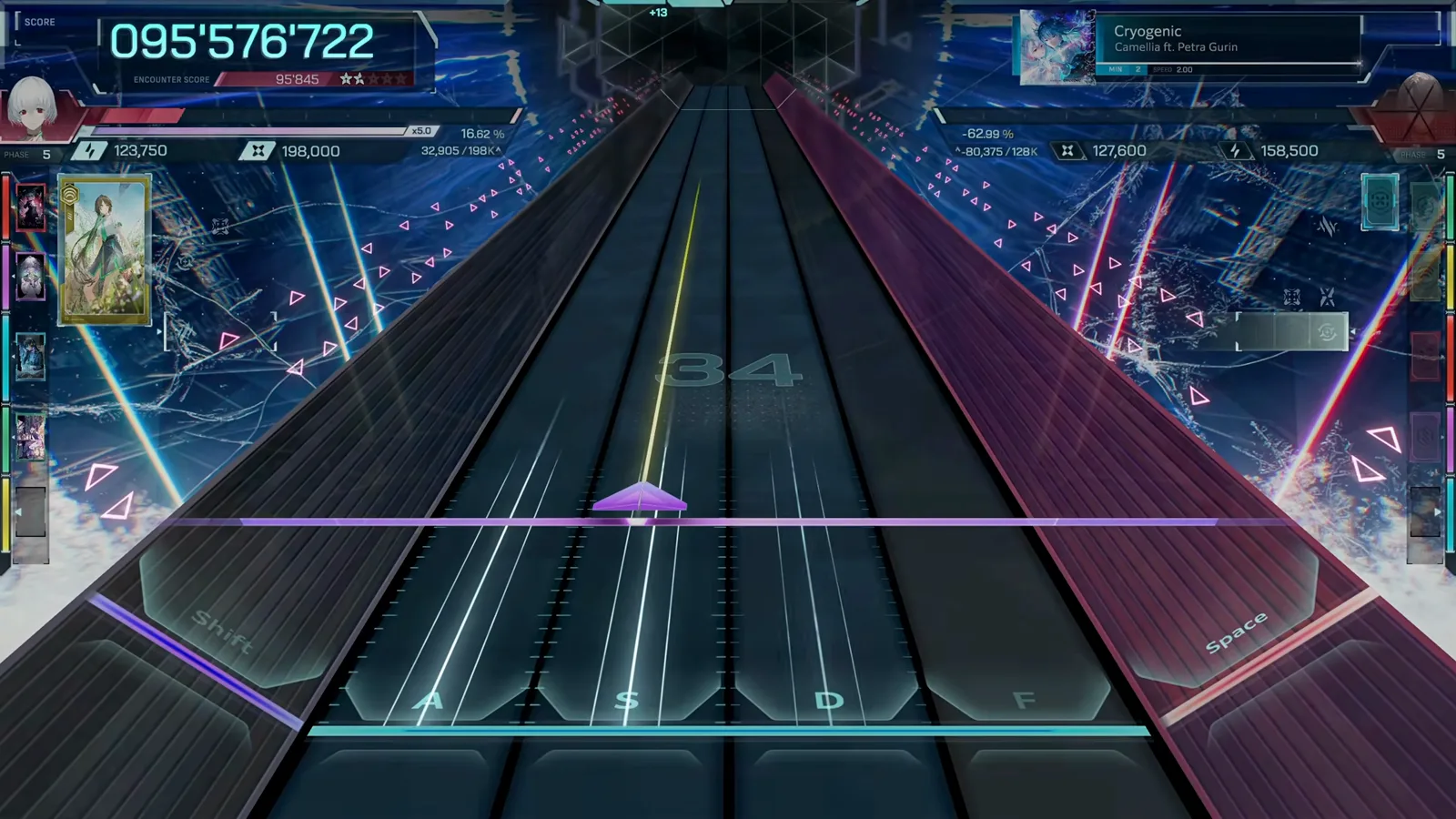
Cryogenic Dive 的最后几秒。查看原视频片段 - 16
看懂结算卡片
结算画面给出等级(图为 AA)、EXACT / NEAR / BREAK 判定明细、曲目封面和返回 Hub 的 CONTINUE 按钮。等级分数线详见我们的节奏玩法参考页。
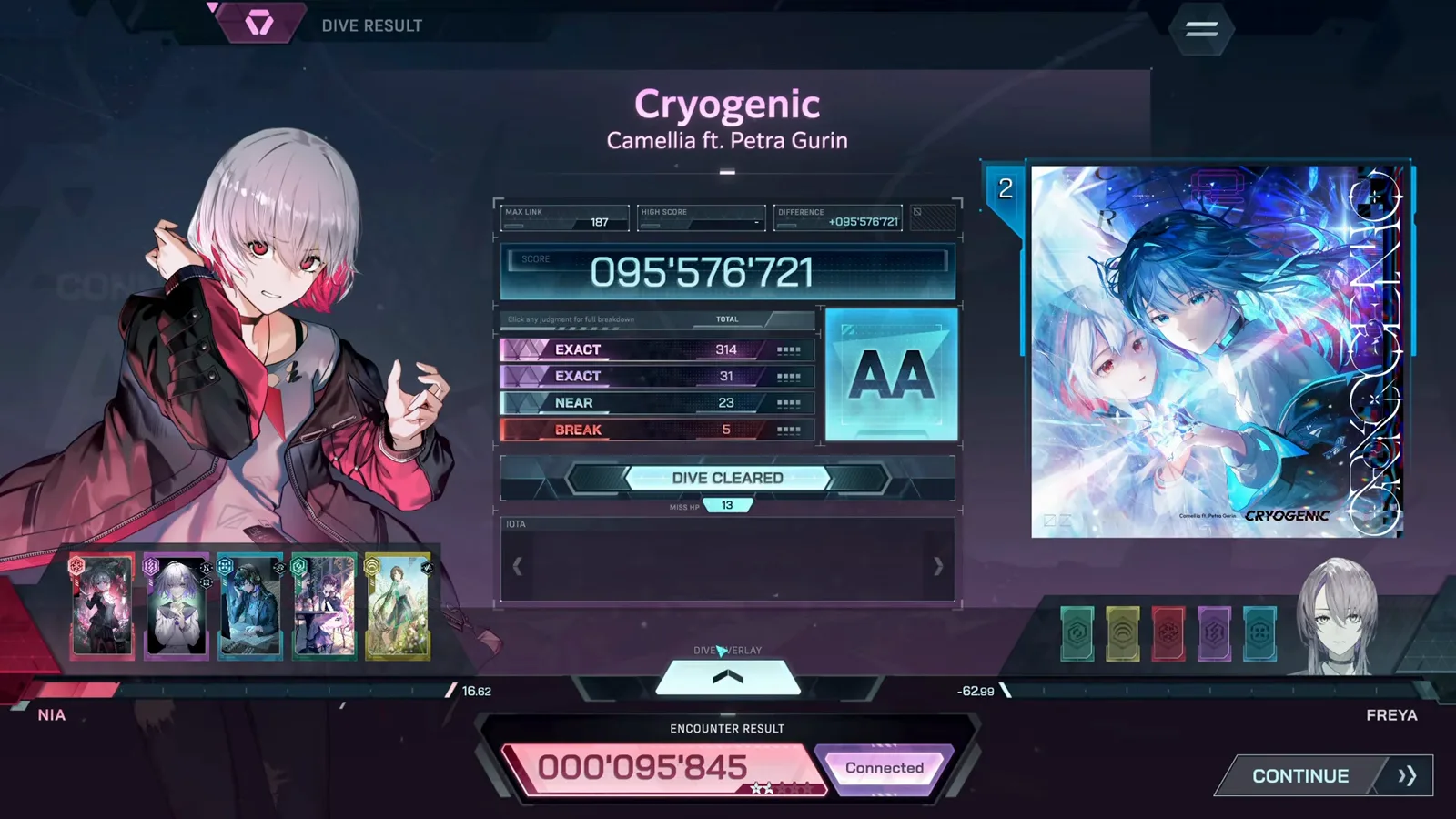
含等级与判定明细的结算卡片。查看原视频片段
常见问题
In Falsus Demo 有哪些可玩曲目?
历次 Demo 版本共有六首可玩曲目——Cryogenic、Ghost Ray、Hyaloüyne、Ordirehv、à la mode 和 Deep Into The Vibe——外加教程曲 Albedo。正式版会追加更多曲目,已公布列表见歌曲与谱面 Wiki 页。
Demo 通关需要多久?
第一次完整通关——教程、剧情加上所有可玩曲目——大约 30–45 分钟。想在每张谱面上冲 EX 评级则要花更长时间。
Demo 的进度会继承到正式版吗?
目前没有确认 Demo 存档会继承到 1.0 正式版。请把 Demo 当作练习:真正能带过去的是设置形成的肌肉记忆——下落速度、音频偏移和键位。
本页内容由 infalsustips.com 基于 Demo 实测与社区研究整理撰写,事实核对来源: In Falsus Wiki (Miraheze) (CC BY-SA 4.0) · In Falsus Wiki (Fandom) (CC BY-SA)
数据基于 Demo v0.3.1 · 1.0 复验中 · 非官方粉丝站 — In Falsus © lowiro