Technique · Guide
Hand Placement & Home Position
In Falsus is played with one hand on six keys and the mouse in the other. Where you rest that hand matters more than in a normal 4K game, because the active lanes move. This guide covers the default layout, what the in-game tutorial tells you, and how to actually position your fingers once the lanes start shifting.
TL;DR
- — One hand covers Left Shift + A S D F + Space; the other hand stays on the mouse for the upper cursor.
- — The tutorial's home position is pinky on the leftmost active lane, three fingers on the lanes to its right.
- — When EVO lanes shift, translate your three middle fingers one key over — don't anchor and stretch with the pinky.
Advanced 6-Key Layout & Finger Assignment
Finger Distribution & Shifting Techniques
Mastering high-difficulty EVO, ULT and FBD charts requires clean finger distribution. Moving between static home positions and dynamic wrist swivels prevents finger lockups on fast streams.
| Lane | Default Key | Assigned Finger | Execution Role |
|---|---|---|---|
| Side Lane 1 (Far Left) | Left Shift | Pinky | Hold baseline or pinky tap |
| Middle Lane 1 | A | Ring finger | Primary anchor for left-middle streams |
| Middle Lane 2 | S | Middle finger | Center agile pivot, dynamic shifts |
| Middle Lane 3 | D | Index finger | Center agile pivot, dynamic shifts |
| Middle Lane 4 | F | Index finger / Thumb | Right-hand shift bridge |
| Side Lane 2 (Far Right) | Space | Thumb | Thumb anchor or index finger swivel tap |
1. Static Finger Assignment (MIN 4K)
Lock fingers strictly to A-S-D-F. Pure rhythmic accuracy focus without lane shifts.
2. Parallel Sliding Shift (EVO 5K)
When the 3 active center lanes change, slide the ring, middle, and index fingers together by 1 key. Never splay fingers excessively.
3. Wrist Swivel & Cross-Tapping (ULT / FBD 6K)
On sudden outer side notes and cross trills, pivot the wrist so the stronger index finger or thumb reaches the far key cleanly.
Sources
- A rambly analysis of In Falsus's hand placement guide — dominationgaming53
- [In Falsus Demo] Tutorial | Albedo by void (Mournfinale) — :paradox
- In Falsus - Music Gameplay Showcase — lowiro
Frames come from the linked videos, credited above. The swivel interpretation is community analysis from dominationgaming53's video, cross-checked against the in-game tutorial's own finger-shift advice.
- 1
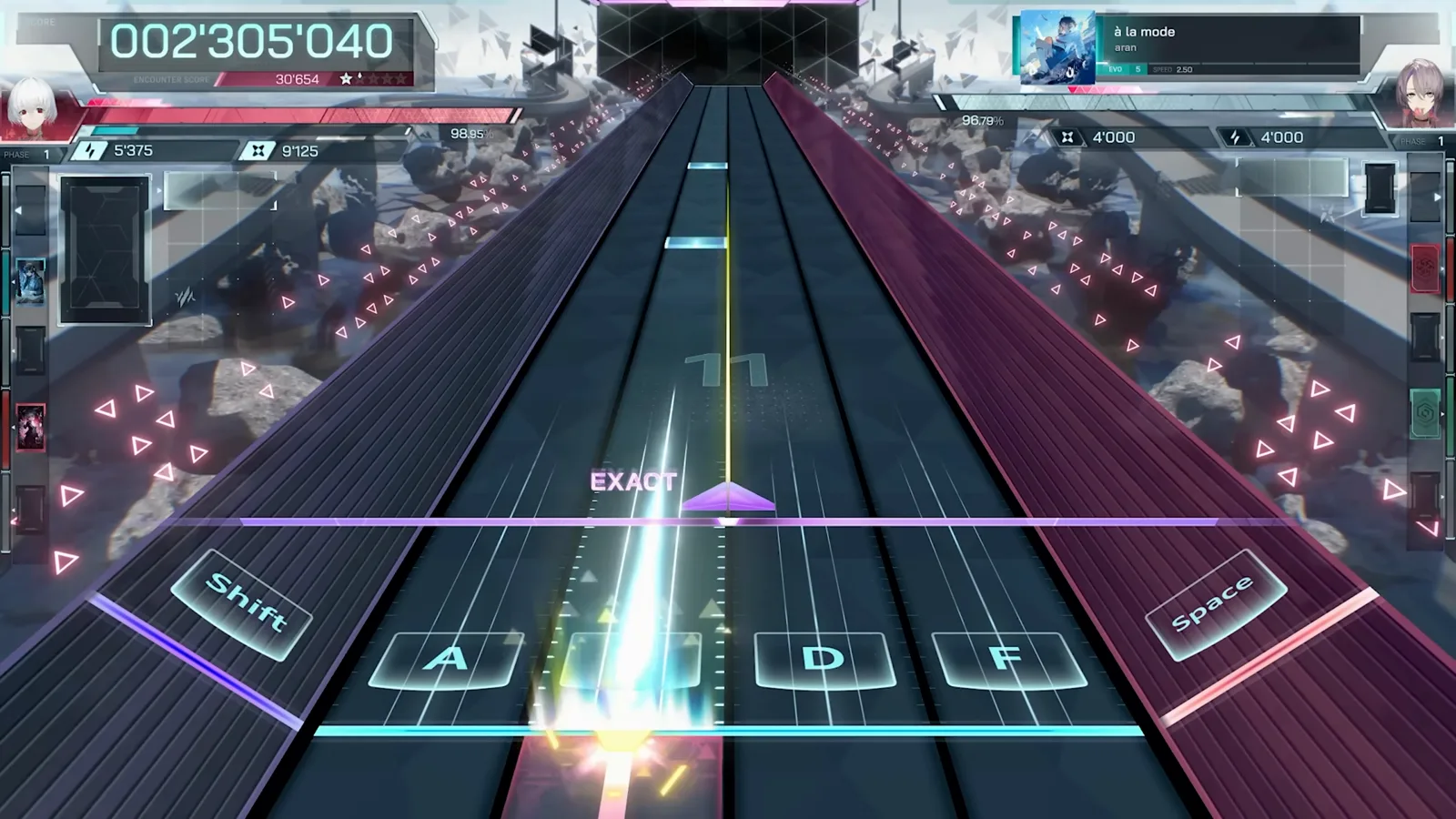
Know the one-hand layout: Shift, A, S, D, F, Space
The lower half of the screen is a keyboard game. By default, Left Shift and Space cover the two side lanes while A, S, D, F take the four center lanes. All six keys are meant for a single hand — the other hand stays on the mouse, steering the cursor through the upper play field.
The default six-key layout under the lanes.Watch source clip - 2
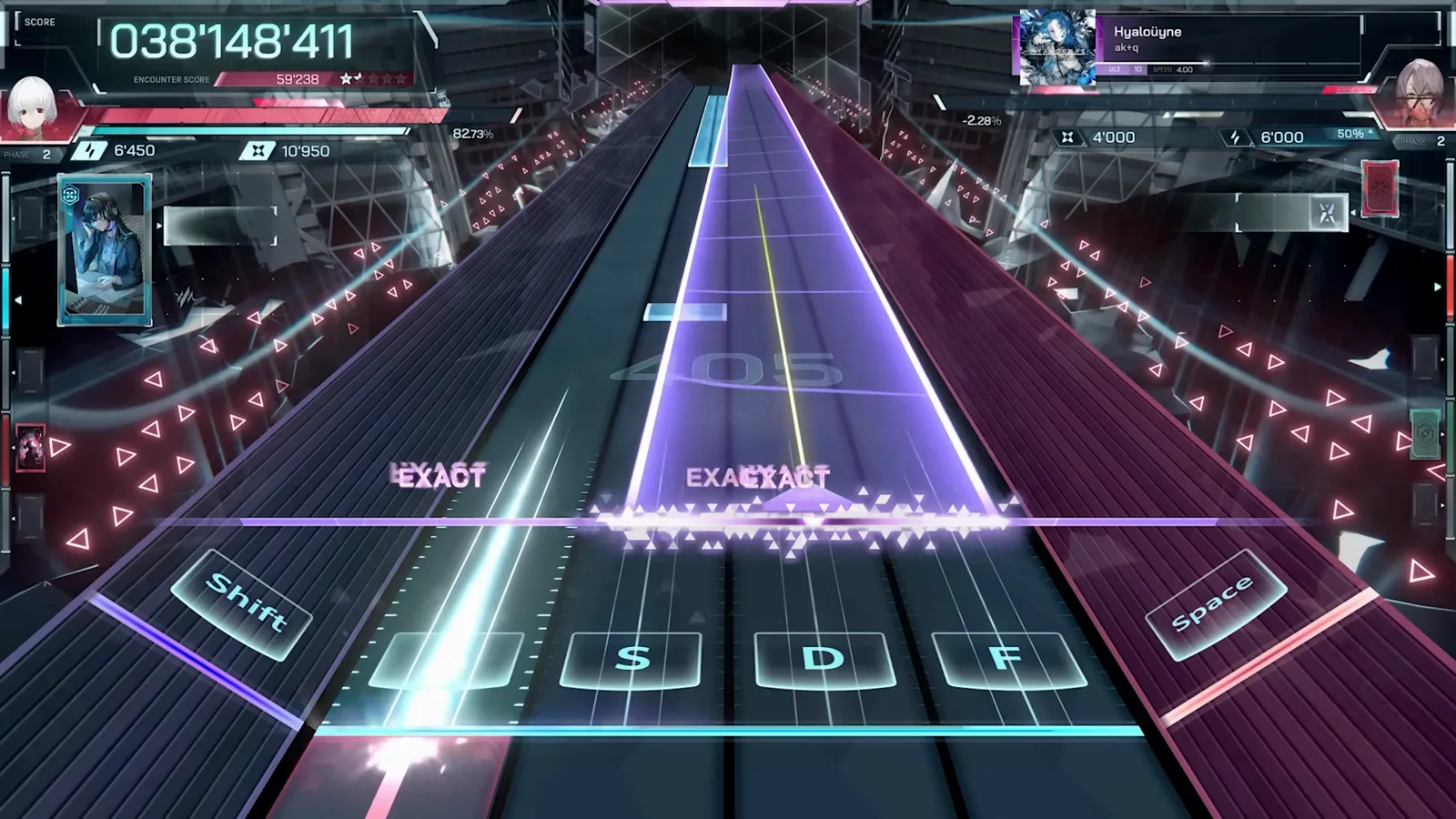
Calibrate your timing around the EXACT judgment
Every hit prints its judgment above the hit line. Use a relaxed song to feel where your fingers land relative to the beat; if you are consistently early or late, fix Audio Offset in the settings before blaming your hand position.
EXACT feedback fires right on the beat.Watch source clip - 3
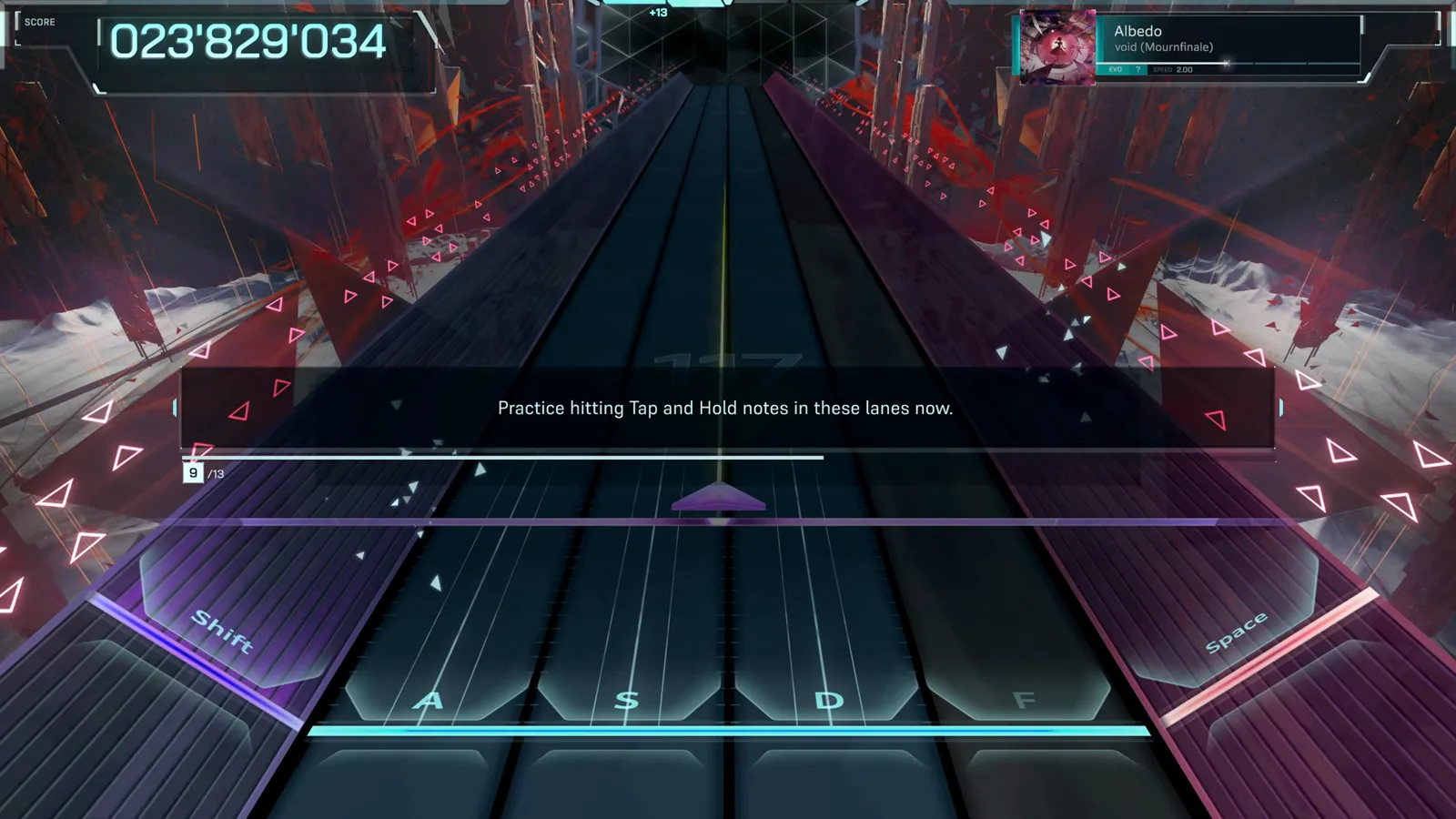
Start from the tutorial's home position
The demo tutorial has you rest with the pinky on the leftmost active lane and the ring, middle and index fingers on the three lanes to its right. It feels odd if you come from standard 4K games — read the next two steps before discarding it.
The tutorial's Tap and Hold practice segment.Watch source clip - 4
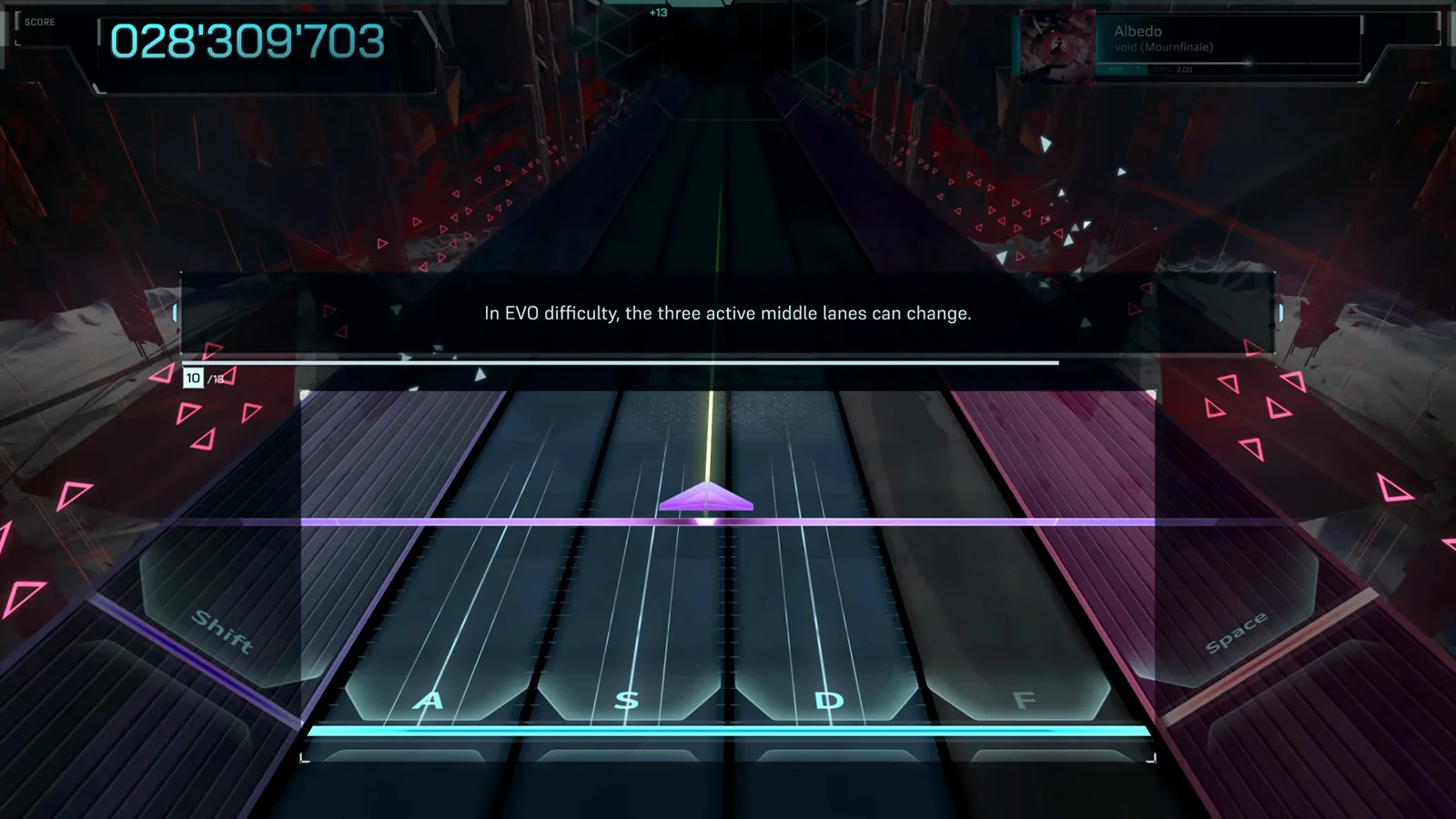
Understand why: EVO lanes move
On EVO difficulty and above, the three active middle lanes can change mid-song. The pinky-left home position is not a permanent camp — it is the starting posture the game expects you to swivel out of as the chart demands.
The EVO warning that middle lanes can change.Watch source clip - 5
Follow the official finger-shift advice
The game itself recommends adjusting your three middle fingers one key left or right when new lanes activate. Small lateral shifts beat stretching: keep the wrist still and translate the whole hand one key at a time.
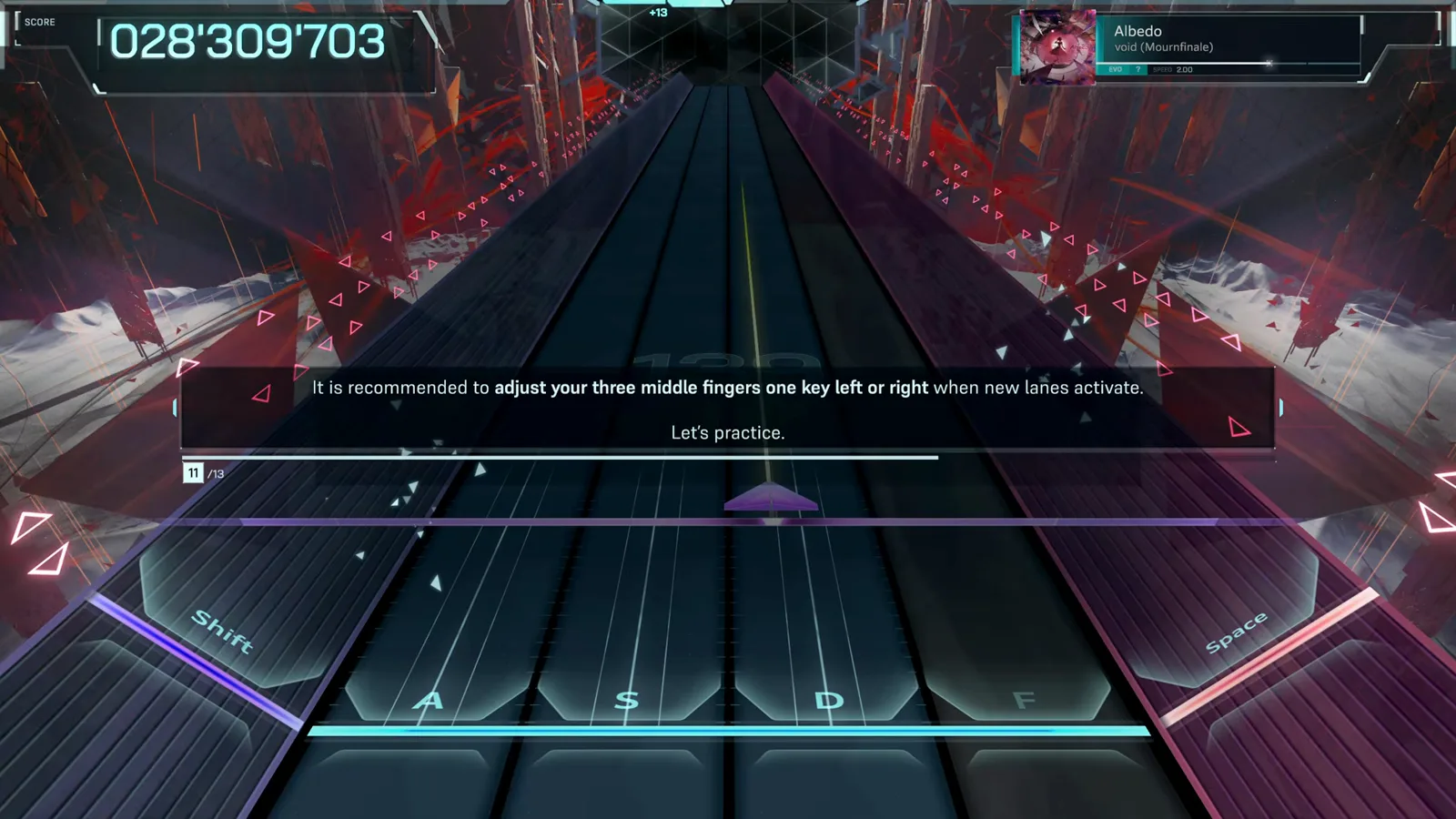
The in-game tip on shifting three fingers when lanes activate.Watch source clip - 6
Swivel for the side lanes instead of stretching
When notes run down the far left or right lane, swing the hand from the wrist so the index or middle finger takes the side key — the same move Guitar Hero players use to reach the orange fret. Anchoring the pinky and stretching for far lanes is slower and much less controllable.
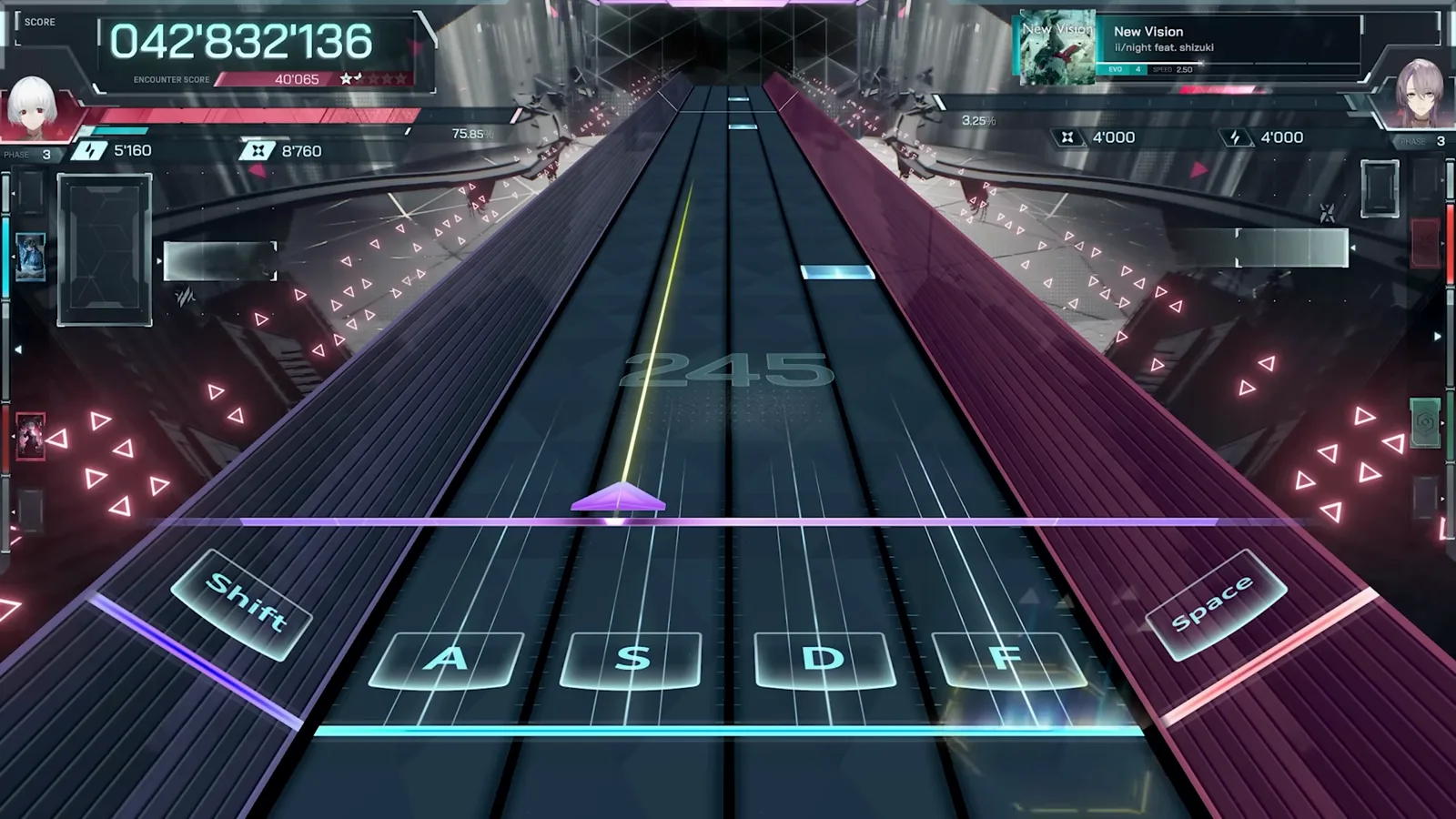
A side-lane note forces the swivel.Watch source clip - 7
Plan around hold notes
A hold pins one finger for its whole length. Before a long hold, decide which finger sacrifices itself — usually the one on the least busy lane — so the remaining fingers can keep covering the active keys.
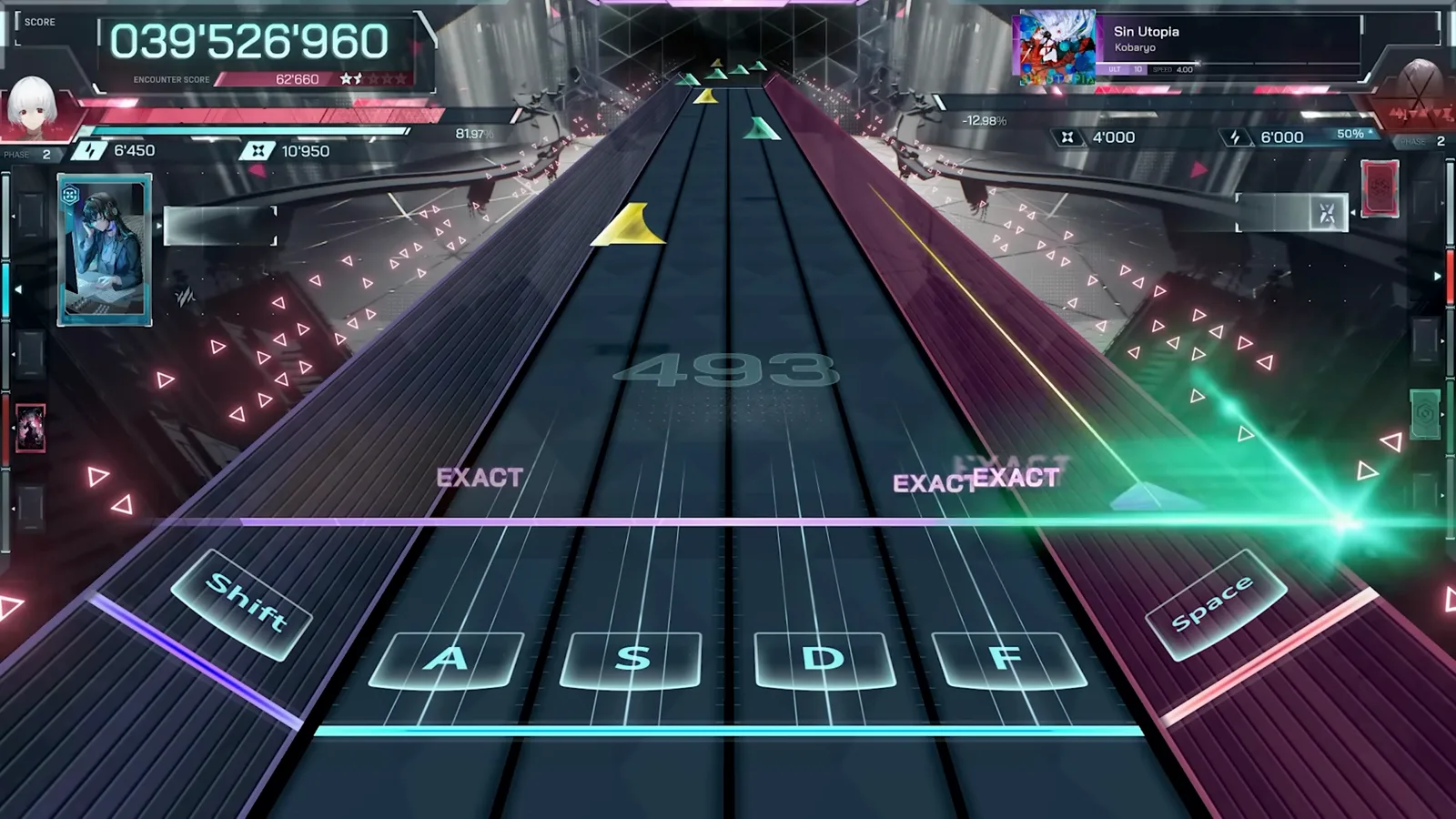
A hold note occupies one finger until it ends.Watch source clip
FAQ
Can I play In Falsus with two hands on the keyboard?
Not comfortably. The mouse drives the upper cursor play field at the same time the keyboard handles the lower notes, so one hand must stay on the mouse. Rebinding is possible in the Controls settings, but the design assumes one hand per input device.
Should I keep the default Shift + A S D F + Space binds?
Yes, at first. The default layout lines the four center lanes up under natural finger positions, with the side lanes on the outer keys. Only change binds if a key physically hurts to reach — the CONTROLS tab lets you remap and reset to defaults.
Why does the tutorial put my pinky on the leftmost lane?
Because it expects you to swivel. Grouping three strong fingers to the right of the pinky lets you snap back to center quickly and swing out to the side lanes with the index finger, which is faster than anchoring all four fingers and stretching.
Related
Written for infalsustips.com from our own demo testing and community research. Fact-checked against: In Falsus Wiki (Miraheze) (CC BY-SA 4.0) · In Falsus Wiki (Fandom) (CC BY-SA)
Data reflects demo v0.3.1 · being re-verified on 1.0 · Unofficial fan site — In Falsus © lowiro